
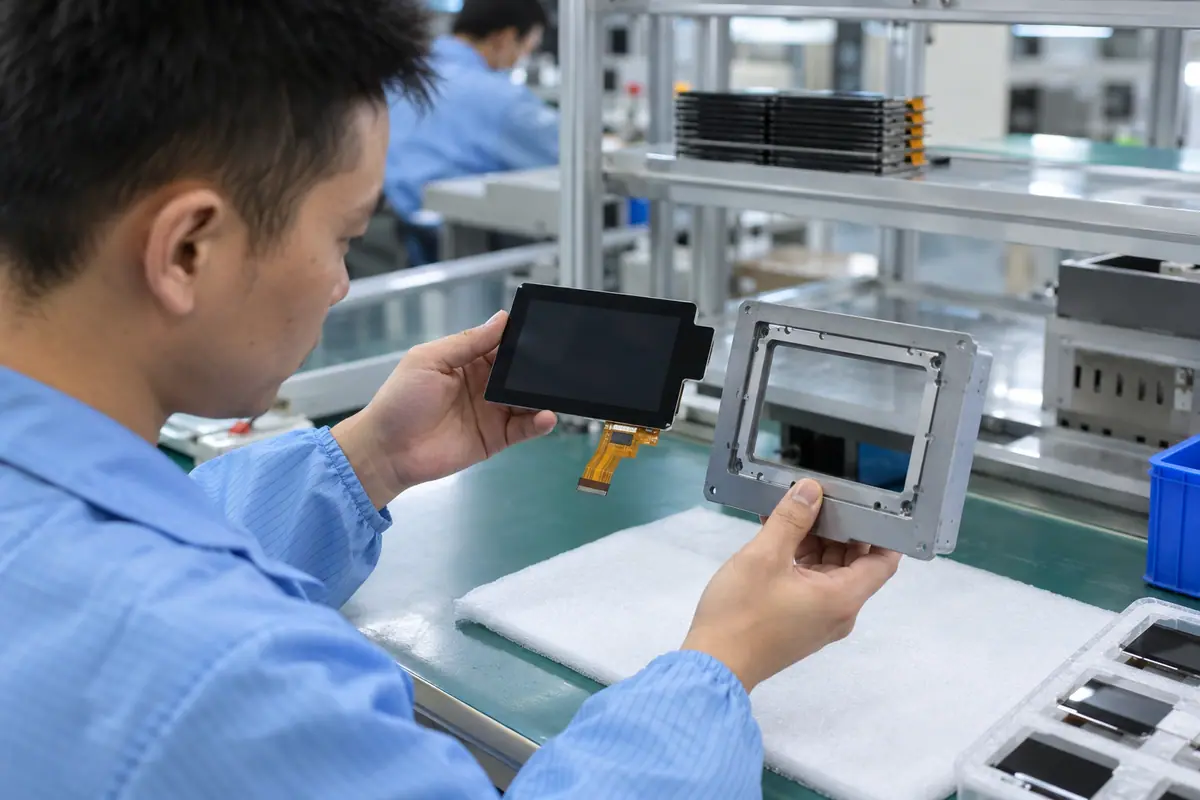
A custom TFT touch display starts with image requirements and a supported drive architecture, then adds front geometry and input functions. Designing a cover before checking host timing or memory can force expensive changes later. This guide focuses on display-centered feasibility: resolution, graphics resources, backlight, interfaces and production-intent samples. It helps OEM teams separate a custom assembly from a custom LCD cell and request a dated development scope without claiming unlimited options, fixed quantities or universal delivery schedules.
Contents: 1 · 2 · 3 · 4 · 5 · 6 · 7 · 8 · 9 · 10
1. Which display function requires a custom solution?
Define required image area, content, working angle and equipment packaging. A custom front assembly can use a standard supported LCD rather than a redesigned cell. Meanwhile, unusual geometry may belong in the cover or frame. Identify what an available module cannot meet. Keep visual preferences separate from required functional changes. That boundary gives suppliers a feasible assembly task instead of an undefined custom-screen request.
Starting with appearance alone can create unnecessary LCD or sensor development. A custom label does not explain which component or interface actually changes.
Buyer checklist for custom TFT touch display
Define the display-centered mismatch. Build a display-requirement and affected-part matrix. Review existing supported functions, then ask for targeted custom assembly options with explicit technical and commercial differences.
- Image area need
- Content requirement
- Packaging mismatch
- Affected component
| Decision point | Requirement to retain | Related check |
|---|---|---|
| Failure boundary | Starting with appearance alone can create unnecessary LCD or sensor development. A custom label does not explain which component or interface actually changes. | Packaging mismatch |
| Approval action | Build a display-requirement and affected-part matrix. Review existing supported functions, then ask for targeted custom assembly options with explicit technical and commercial differences. | Affected component |
Healthcare equipment introduces device-specific cleaning and qualification questions; keep those outside generic component claims. medical touchscreen context.
2. How should resolution follow required content?
Evaluate actual text, symbols and target layout at working distance. More pixels can improve detail while increasing memory and traffic requirements. Also, a custom front opening may hide content if areas differ. Choose a resolution supported by the host and relevant LCD options. Do not select pixel count from catalog prestige. A useful sample should show the proposed production interface rather than unrelated promotional imagery.
A high-resolution proposal can exceed host resources. A cropped active area can waste pixels or place controls outside visible and usable regions.
Which evidence should accompany the sample?
Choose pixels for the task. Test representative content on candidate LCDs at the intended distance. Review active areas and host load, then freeze the selected resolution before custom artwork and final interface validation.
- Required content
- Working distance
- Active area
- Host resource load
| Decision point | Requirement to retain | Related check |
|---|---|---|
| Failure boundary | A high-resolution proposal can exceed host resources. A cropped active area can waste pixels or place controls outside visible and usable regions. | Active area |
| Approval action | Test representative content on candidate LCDs at the intended distance. Review active areas and host load, then freeze the selected resolution before custom artwork and final interface validation. | Host resource load |
Compare the application boundary before assuming a single demonstration covers every installation. application solution overview.
3. What framebuffer and memory architecture is available?
The graphics pipeline needs appropriate storage and transfer capacity for the chosen display. Some designs use host framebuffer memory; others include local graphics electronics. Meanwhile, application redraw differs from continuous panel refresh. Animated controls can expose traffic limits absent with a static picture. Review the exact host documentation and intended workload. An evaluation kit with more resources does not establish feasibility on a smaller production processor.
Memory shortages or transfer limits can create artifacts despite correct wiring. An attractive demo may conceal host hardware that cannot enter the final product.
What should the test owner record?
Check memory before freezing the LCD. Estimate graphics resources with the host owner using supported documentation. Test worst expected screen activity, then state memory and display-control ownership in the custom development scope.
- Framebuffer owner
- Storage capacity
- Transfer demand
- Required screen activity
| Decision point | Requirement to retain | Related check |
|---|---|---|
| Failure boundary | Memory shortages or transfer limits can create artifacts despite correct wiring. An attractive demo may conceal host hardware that cannot enter the final product. | Transfer demand |
| Approval action | Estimate graphics resources with the host owner using supported documentation. Test worst expected screen activity, then state memory and display-control ownership in the custom development scope. | Required screen activity |
Review public supplier information alongside evidence for the actual part being quoted. factory background.
Primary reference: ST embedded display and graphics overview. Verify its applicable scope against the proposed build.
4. Which video interface should drive the custom assembly?
Start from supported host output, then choose a compatible panel or conversion board. RGB, LVDS, MIPI DSI and HDMI-based paths have different timing and configuration boundaries. Also, custom cables need appropriate routing and electrical review. A connector change cannot convert one protocol into another. Identify initialization and bridge firmware duties before selecting the mechanical package. Keep production conversion boards distinct from temporary development hardware.
An unsupported interface can force a host redesign. A supplied bridge may need LCD-specific configuration omitted from the original quote.
Which installed detail needs approval?
Choose a supported video path. Compare host output with candidate LCD datasheets. Request explicit conversion scope and initialization ownership, then prove startup and image operation on a production-intent interface prototype.
- Host output
- LCD input
- Conversion board
- Initialization owner
| Decision point | Requirement to retain | Related check |
|---|---|---|
| Failure boundary | An unsupported interface can force a host redesign. A supplied bridge may need LCD-specific configuration omitted from the original quote. | Conversion board |
| Approval action | Compare host output with candidate LCD datasheets. Request explicit conversion scope and initialization ownership, then prove startup and image operation on a production-intent interface prototype. | Initialization owner |
Send the controlled drawing and unresolved test questions with the sample configuration attached. technical inquiry route.
5. How should backlight and thermal needs be reviewed?
Required visibility sets a visual operating target, while the backlight and driver create a power and heat boundary. Meanwhile, enclosure airflow or conduction can affect installed conditions. Avoid assuming greater brightness is free. Review controls and proposed power architecture using applicable component documentation. Test the assembled display at required settings. Keep visual performance and temperature acceptance with their qualified engineering owners rather than inventing a universal operating limit.
A bright open-bench sample may behave differently inside a closed housing. An omitted driver or thermal path can change the feasible module design.
How can engineering close this check?
Review visibility with its power boundary. Specify visual settings and the intended enclosure condition. Confirm backlight drive and thermal ownership, then measure relevant installed behavior before accepting a custom brightness or power proposal.
- Required visual setting
- Backlight driver
- Enclosure condition
- Thermal owner
| Decision point | Requirement to retain | Related check |
|---|---|---|
| Failure boundary | A bright open-bench sample may behave differently inside a closed housing. An omitted driver or thermal path can change the feasible module design. | Enclosure condition |
| Approval action | Specify visual settings and the intended enclosure condition. Confirm backlight drive and thermal ownership, then measure relevant installed behavior before accepting a custom brightness or power proposal. | Thermal owner |
Module quotes need a defined LCD, sensor and controller boundary. touch display module scope.
6. What touch architecture suits the custom display task?
Select touch from named input objects and required gestures, not from TFT terminology. A suitable pressure overlay may fit pen tasks while a configured PCAP stack may fit glass-front gestures. Also, cover and display operation influence installed behavior. Keep touch electronics and host reports distinct from the video path. A custom display prototype should not defer required input validation until artwork and tooling are already frozen.
A display-first design can leave an unsuitable input layer for required gloves or targets. A late touch change may alter front depth and controller scope.
What failure would reject this configuration?
Design input beside the image. Define input tasks alongside image requirements early. Test suitable architectures on the candidate LCD and front stack, then release touch geometry and controller configuration with the video design.
- Named input objects
- Gesture requirement
- Front depth
- Touch controller scope
| Decision point | Requirement to retain | Related check |
|---|---|---|
| Failure boundary | A display-first design can leave an unsuitable input layer for required gloves or targets. A late touch change may alter front depth and controller scope. | Front depth |
| Approval action | Define input tasks alongside image requirements early. Test suitable architectures on the candidate LCD and front stack, then release touch geometry and controller configuration with the video design. | Touch controller scope |
Review the capacitive product context if glass-front or gesture operation enters the specification. capacitive touchscreen options.
7. How can custom glass and frame remain manufacturable?
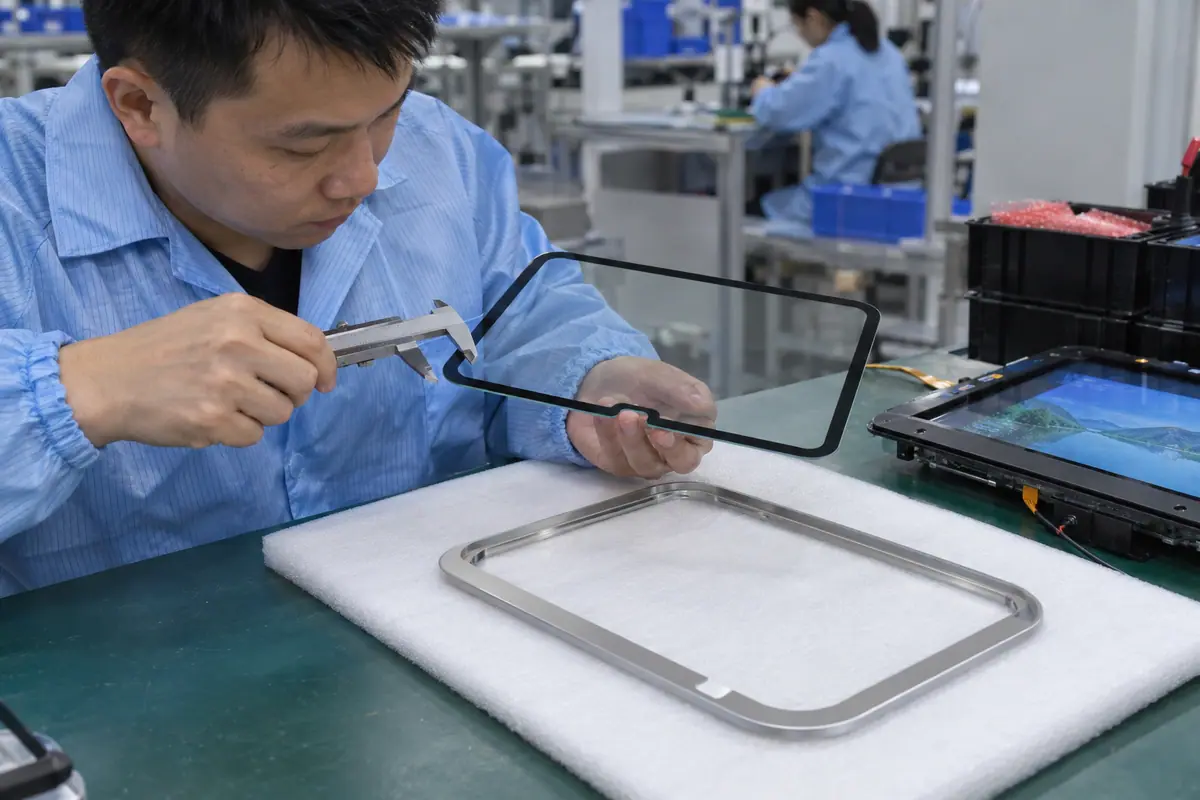
Use controlled outlines, edge features, artwork and mounting datums. A custom cover can shape product appearance without forcing a custom LCD. Meanwhile, notches and narrow borders need practical tolerance review. Include rear electronics and flex routes in the frame design. A rendering cannot establish assembly access. Ask for a marked feasibility response and physical samples before treating a complex outline as a routine production option.
An impractical border can create alignment or handling problems. A frame that looks compact can obstruct connectors or overload the optical stack.
What should quality retain?
Check geometry from both sides. Send a complete front-and-rear interface drawing for supplier review. Evaluate tolerances and access on physical samples, then freeze artwork only after fitted geometry and input checks pass.
- Cover outline
- Border tolerance
- Frame support
- Rear access
| Decision point | Requirement to retain | Related check |
|---|---|---|
| Failure boundary | An impractical border can create alignment or handling problems. A frame that looks compact can obstruct connectors or overload the optical stack. | Frame support |
| Approval action | Send a complete front-and-rear interface drawing for supplier review. Evaluate tolerances and access on physical samples, then freeze artwork only after fitted geometry and input checks pass. | Rear access |
Use the pressure-input product context when a suitable blunt stylus or glove is required. resistive touchscreen options.
8. Which prototype sequence should prove feasibility?
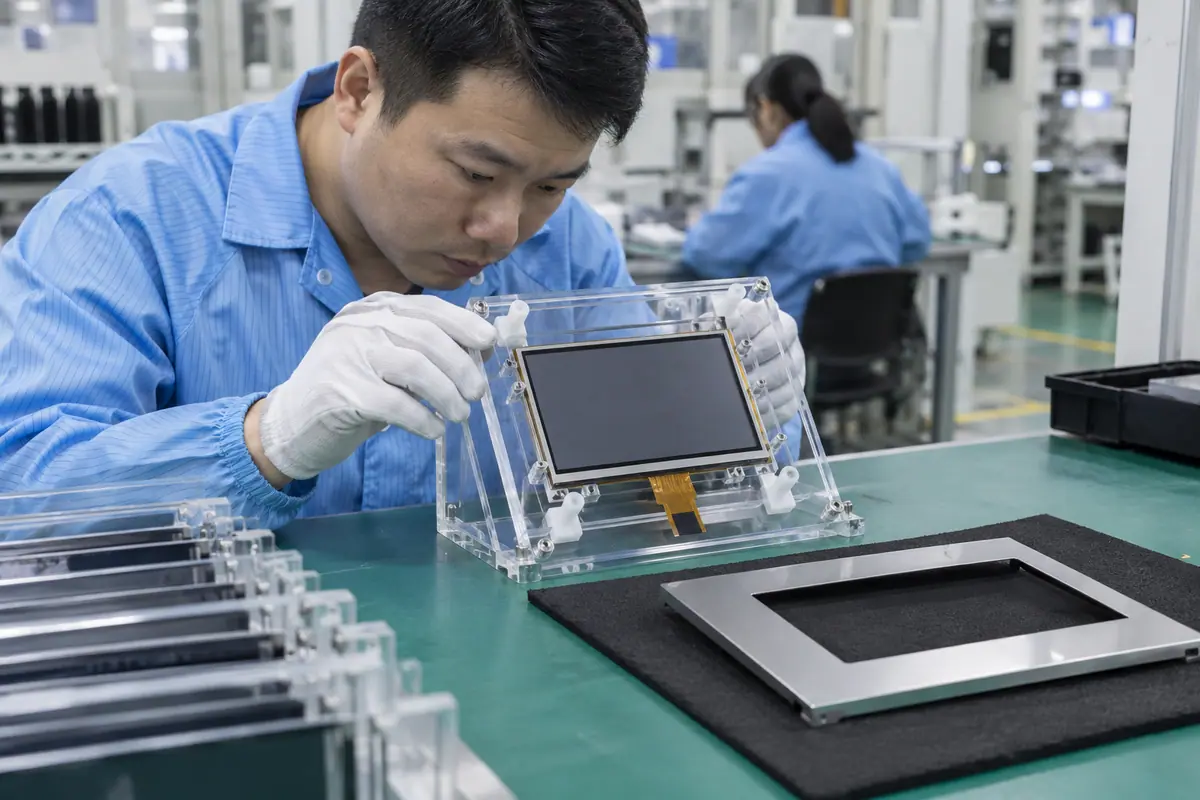
Use display-interface proof before treating a finished appearance sample as a release candidate. Then add the production-intent optical stack and enclosure. For example, a timing prototype can reveal host limits while tooling remains undecided. Also, repeat touch after joining and mounting. Each gate should have deliverables and failure closure. Project schedules should follow current agreed scope rather than a generic promise of rapid custom production.
A polished front prototype can hide unstable video or missing input. Skipping intermediate proof can make later corrective changes costly and hard to trace.
Which trial result changes the decision?
Prove drive before polishing the front. Agree on interface, optical and fitted prototype gates. Log configuration changes and retest affected functions, then authorize later agreed development stages only after relevant feasibility findings close.
- Video proof
- Optical prototype
- Fitted input trial
- Configuration closure
| Decision point | Requirement to retain | Related check |
|---|---|---|
| Failure boundary | A polished front prototype can hide unstable video or missing input. Skipping intermediate proof can make later corrective changes costly and hard to trace. | Fitted input trial |
| Approval action | Agree on interface, optical and fitted prototype gates. Log configuration changes and retest affected functions, then authorize later agreed development stages only after relevant feasibility findings close. | Configuration closure |
A bonding proposal changes the assembled optical and mechanical interface; review its construction context. fully laminated touchscreen construction.
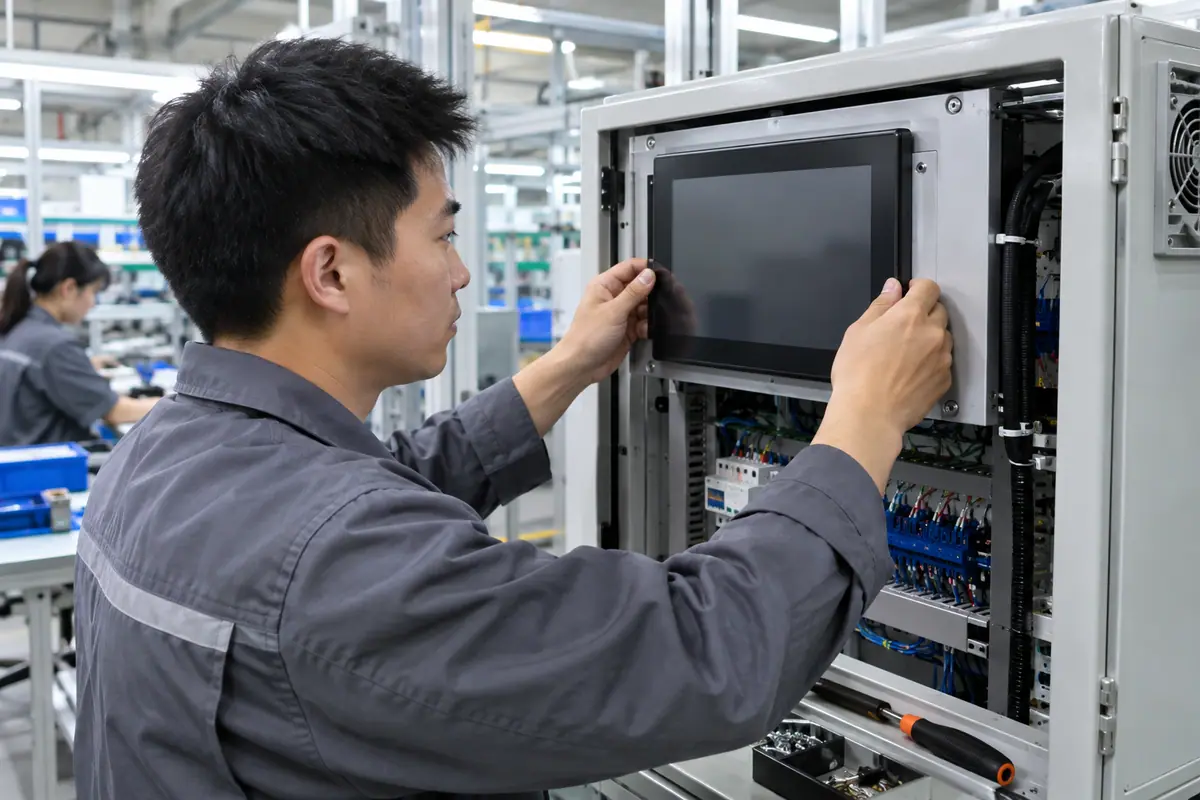
For example, a compact OEM device may request higher resolution and a custom rounded cover. Test its actual graphics workload on the production processor before freezing the front design. If resources are inadequate, compare a supported lower resolution or a clearly scoped controller option. Then validate input and mounting on the selected architecture. This hypothetical feasibility path keeps a custom appearance request from hiding an unsupported display pipeline.
9. How should custom design and tooling be priced?
Separate LCD procurement, cover tooling, frame fixtures, conversion boards and software support. Also, identify configuration ownership and future revision work. A custom assembly can reuse supported parts while still needing engineering effort. Compare dated offers on common volume and delivered functions. Do not infer free tooling or a fixed minimum quantity. Commercial scope should describe the prototypes and acceptance evidence the project expects.
A bundled quote may omit host software or conversion support. Tool ownership and revision terms can affect later alternatives or service supply.
How can purchasing compare the evidence?
Price the display development work. Issue an itemized development RFQ with quantities and stage deliverables. Confirm tooling and configuration rights, then compare exclusions beside technical feasibility rather than unit price alone.
- LCD procurement
- Custom tooling
- Video electronics
- Software support
| Decision point | Requirement to retain | Related check |
|---|---|---|
| Failure boundary | A bundled quote may omit host software or conversion support. Tool ownership and revision terms can affect later alternatives or service supply. | Video electronics |
| Approval action | Issue an itemized development RFQ with quantities and stage deliverables. Confirm tooling and configuration rights, then compare exclusions beside technical feasibility rather than unit price alone. | Software support |
For a machine installation, relate these checks to mounted-console and operator conditions. industrial control touchscreen context.
10. What should freeze after the custom display passes?
Release LCD reference, graphics configuration, touch stack, frame and power boundary together. Keep optical and fitted task evidence with those references. By contrast, a custom display name cannot reproduce timing, mapping or joining. Approved alternatives need clear status and requalification rules. Purchasing should order a specific tested configuration. Future content, host or component changes should have an accountable review route.
A later host change can invalidate graphics proof. Similar-looking LCD or controller substitutions may alter accepted timing, optics or input behavior.
What should the team release next?
Release a proven display architecture. Reconcile prototype, drawing, BOM and commercial scope before release. Freeze software and hardware references, then require affected-interface review for proposed LCD, host, touch or frame changes.
- LCD and video identity
- Touch configuration
- Mechanical references
- Requalification triggers
Frequently asked questions about custom TFT touch display
Q1: Does custom TFT require a new LCD cell? No. A custom cover, frame or electronics assembly can use a supported standard LCD.
Q2: Should resolution be chosen before host review? No. Required content and supported graphics resources should be reviewed together.
Q3: Can changing a connector convert video protocols? No. Protocol conversion requires appropriate electronics and configuration.
Q4: What should a prototype sequence prove? Host drive, optical assembly and fitted input behavior with traceable production-intent configurations.
Q5: What belongs in the released specification? LCD, graphics, touch, power and mechanical references plus applicable acceptance and change-control records.